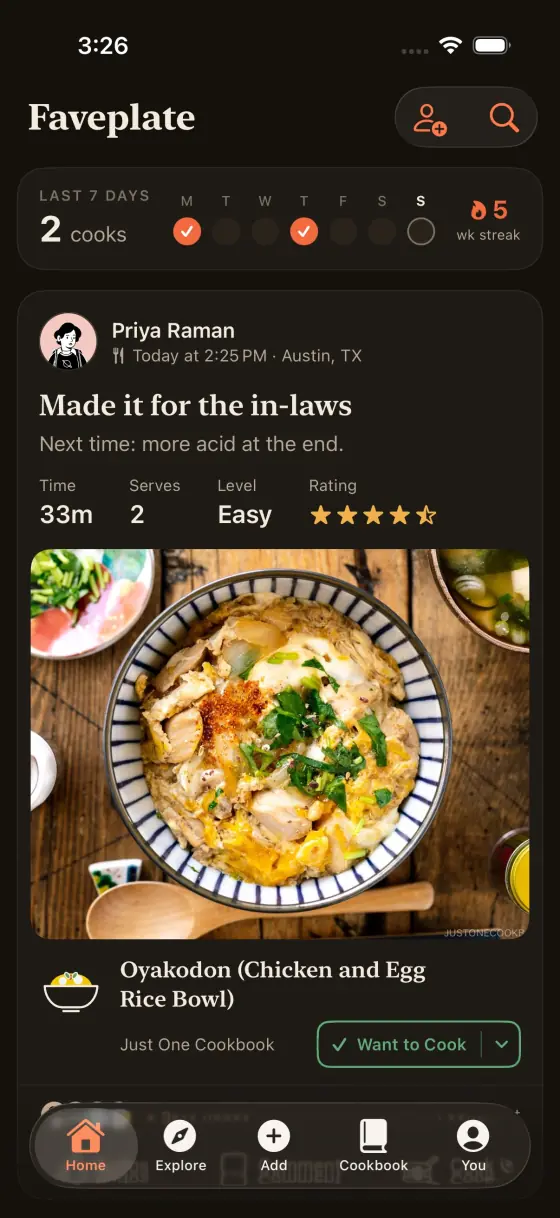
A feed of real dinners
When someone you follow cooks, it shows up with their photo, how long it took, how they rated it and what they’d do differently next time. Say “Yes, chef” or leave a comment.
 Faveplate
Coming soon to iPhone
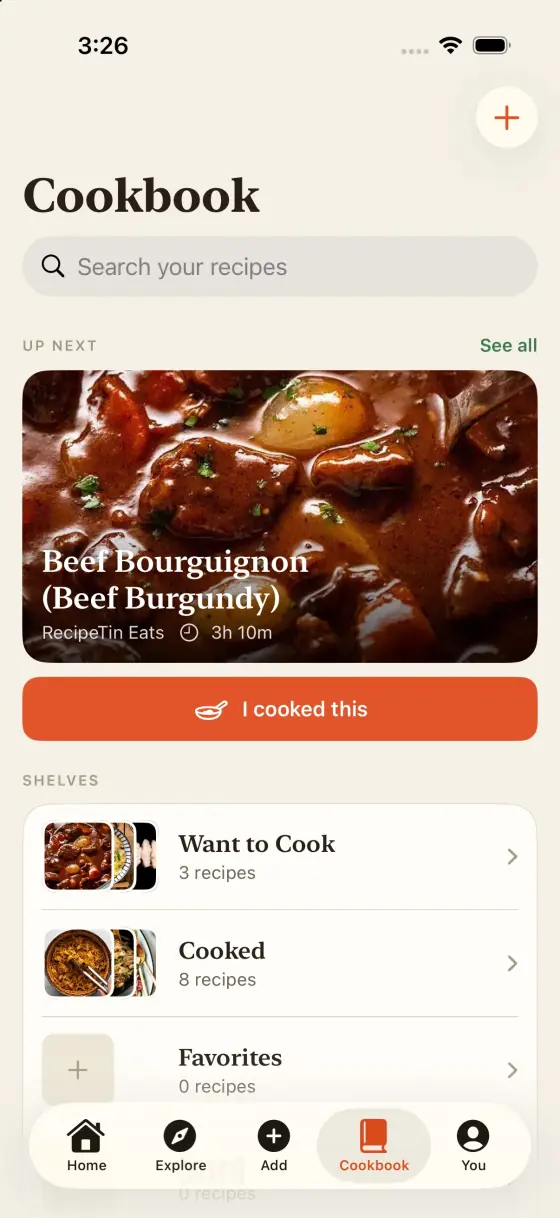
Save what you want to cook next. Faveplate keeps your recipes, the cooks you’ve logged and the ones your friends are making in one place.
Not on the App Store yet
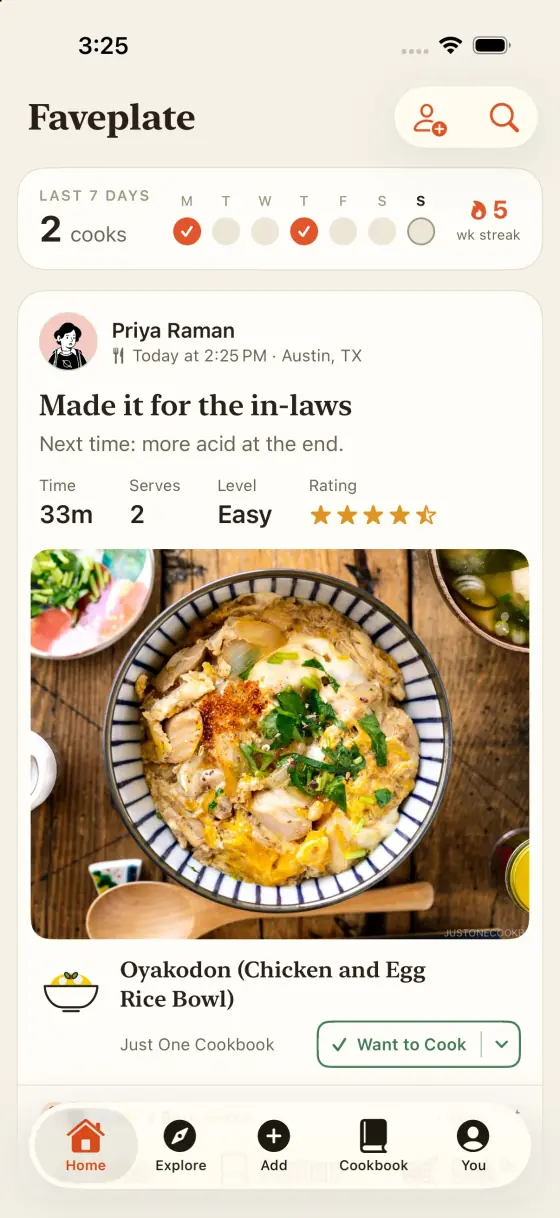
When someone you follow cooks, it shows up with their photo, how long it took, how they rated it and what they’d do differently next time. Say “Yes, chef” or leave a comment.
Paste a link to a recipe page, or share a cooking video from TikTok, Instagram or YouTube. Faveplate reads the recipe, keeps the link, and credits the site or creator it came from.
Some links can’t be read, and some videos never say how much of anything to use. When that happens, Faveplate tells you instead of guessing.
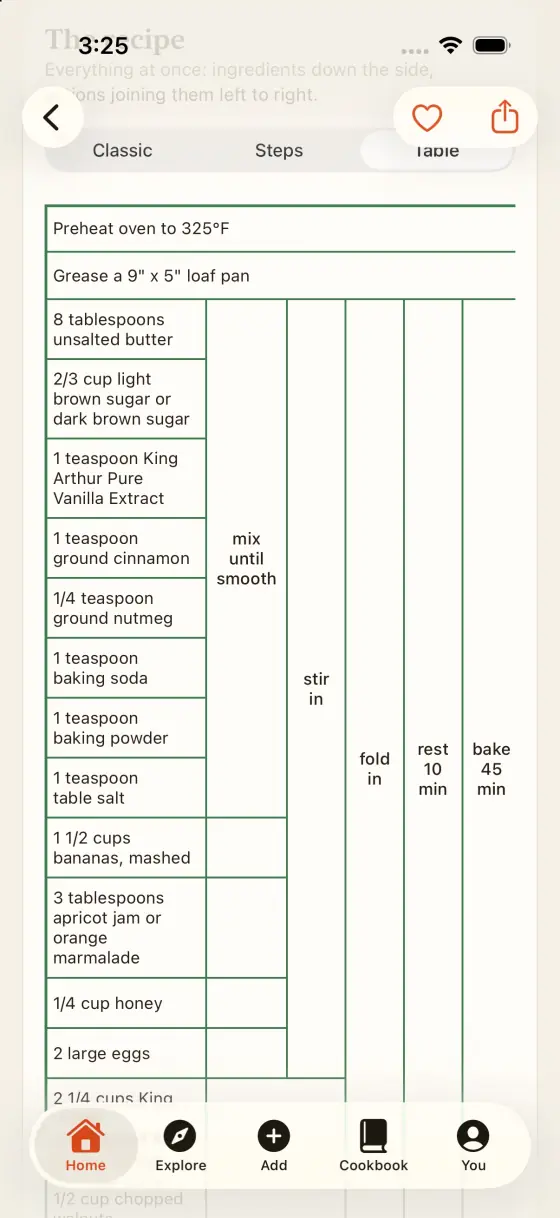
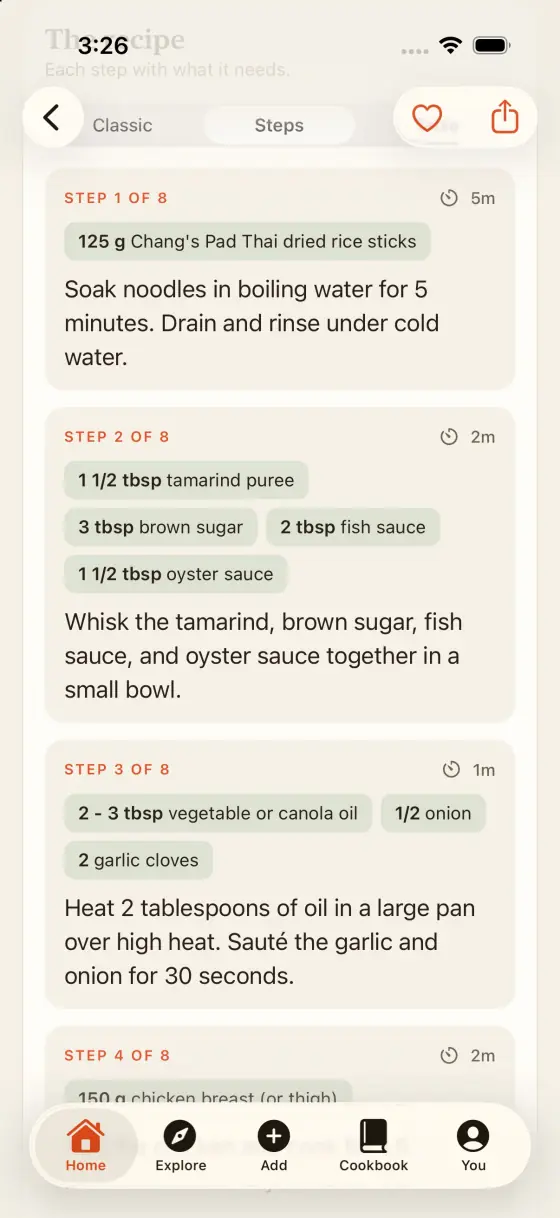
Classic is ingredients, then method. Steps puts each step beside what it needs. Table shows everything at once: ingredients down the side, and the actions that join them running left to right.
Pick one and it sticks for every recipe.
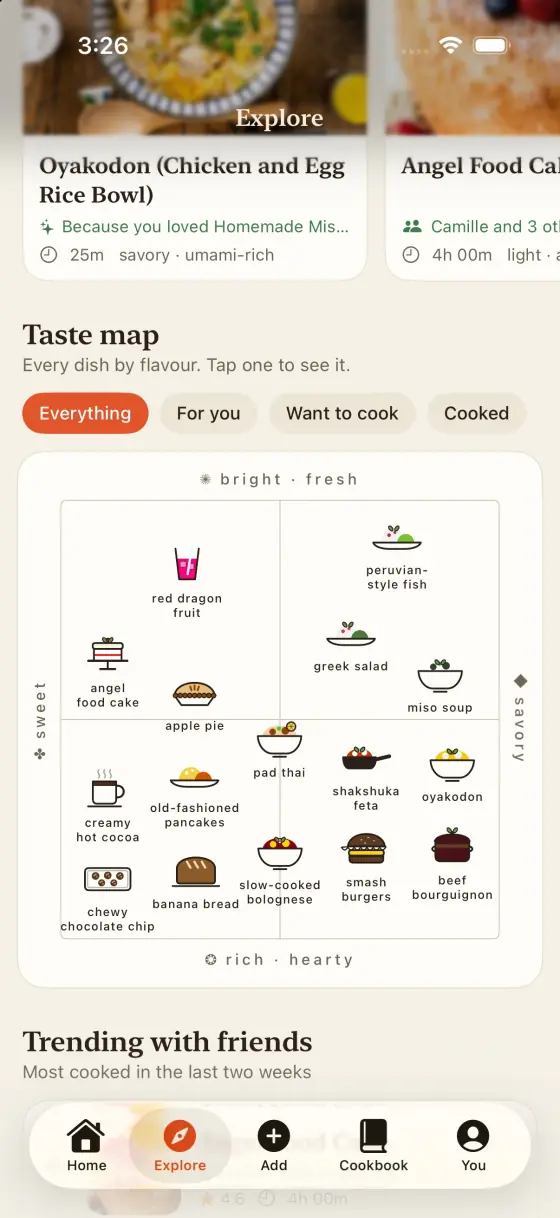
Every dish gets a small drawing and a place on the map: sweet to savory across, bright and fresh at the top, rich and hearty at the bottom. It’s a quick way to see what you’ve been cooking, and what you haven’t.
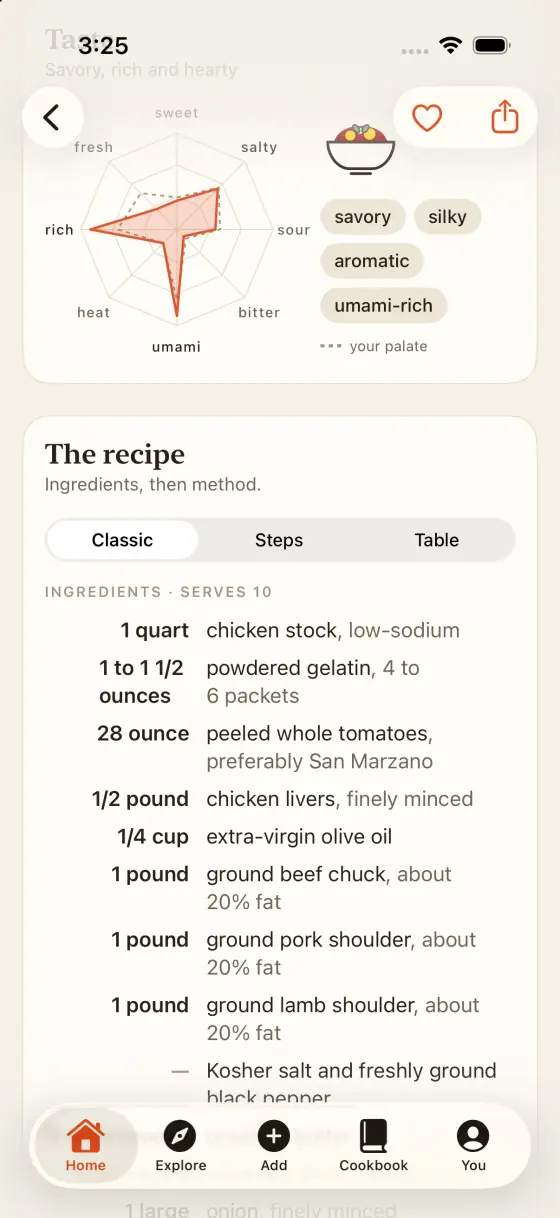
Each recipe also shows its own flavour profile, drawn over yours.
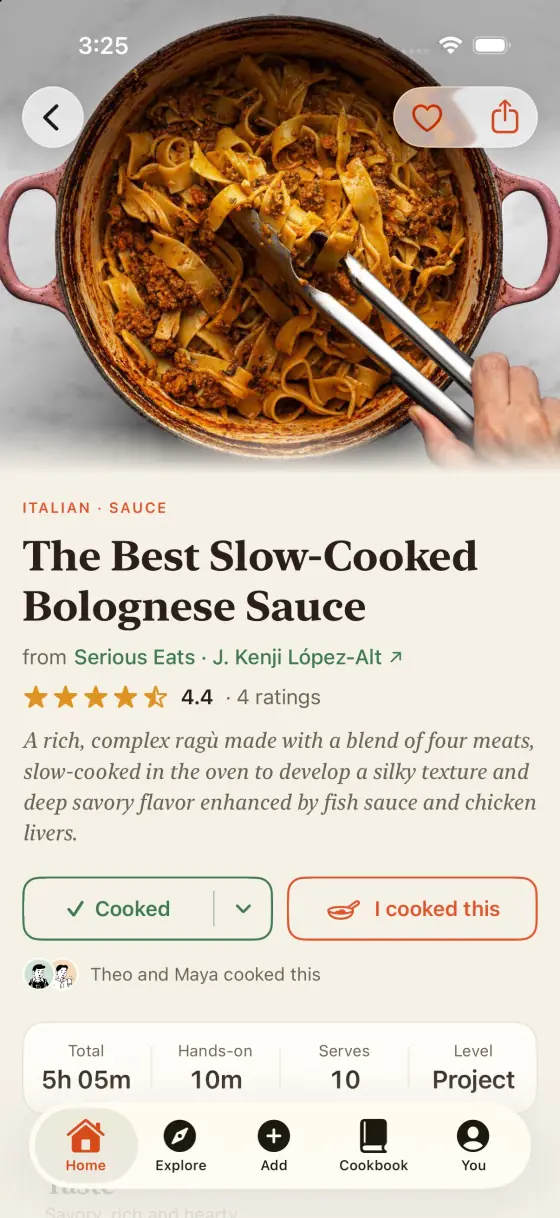
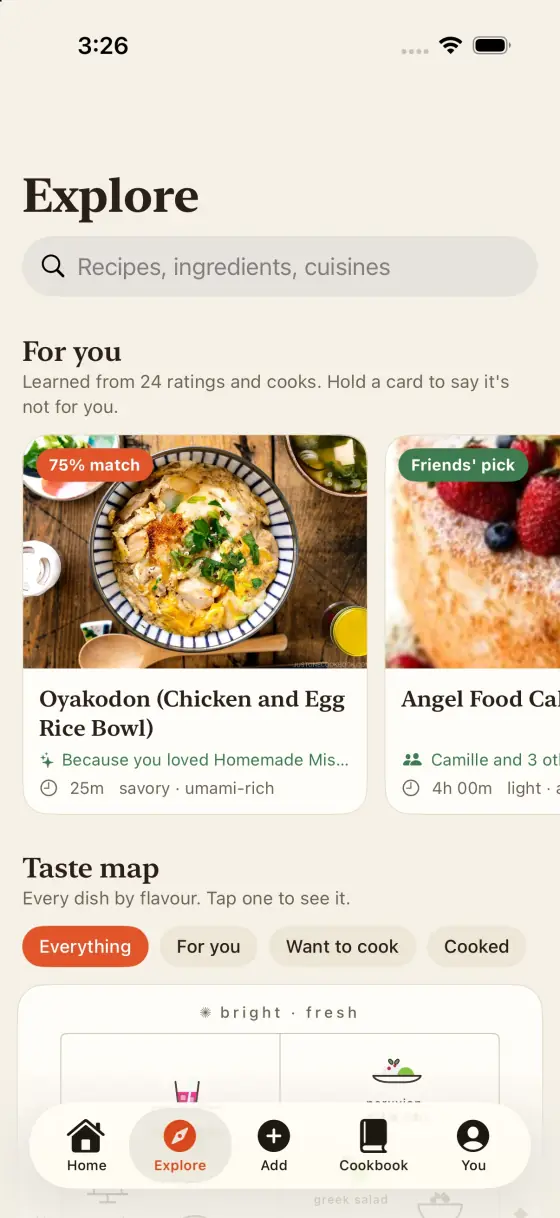
Rate what you cook and For You moves toward what you like. Each pick says why it’s there: it matches your taste, friends cooked it, or it’s something different.
Want to Cook is your list. Cooked is your record, with your rating on each one. Favorites are the keepers.
Coming soon
It isn’t on the App Store yet. If you have a question in the meantime, write to support@faveplate.com.